"Unlimited updates" is one of the most common promises in website plans, and one of the least explained. It sounds great, but it only helps if you know what counts and how easy it is to ask.
Here is what it usually covers, what sits outside it, and how to get the most out of it, so your website keeps up with your business.
- Most websites fall behind because changing them is a hassle.
- Unlimited updates usually cover content: text, photos, hours, prices and services.
- New features and redesigns are normally quoted separately.
- The real test is how easy it is to send a change.
Why websites fall behind
Very few owners decide to let their website go stale. It happens slowly. A price changes, a new service gets added, the hours shift for the summer, and each change is one more thing to log in and figure out.
For Patty Lemus, who runs a family health insurance agency in Salinas, keeping her old website current had become such a source of stress that she had basically stopped touching it. That is a very common story, and it has nothing to do with how much an owner cares about the business.
An out-of-date website costs more than it seems. Visitors who see old prices or a missing service wonder what else is wrong, and some of them call someone else.
What usually counts as an update
In most plans, an update is a change to the content of pages that already exist. If you could describe it in a text message, it is probably included.
On our plans that covers text changes, new photos, swapping out a service, updating your hours or prices and adding a seasonal offer. They are usually live the same day.
What sits outside it
Bigger jobs are a different kind of work. A redesign, a whole new section, or a new feature like online booking or payments takes planning and building, so most providers quote it separately.
That is reasonable, as long as the quote comes before the work starts. Nobody should find a surprise on their bill for something they thought was included.
How easy is it to ask?
This matters more than the word "unlimited". If sending a change means filling in a form, opening a ticket or waiting a week, you will send fewer changes, and the website falls behind again.
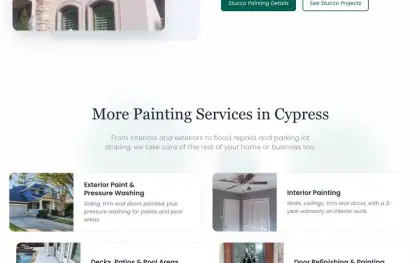
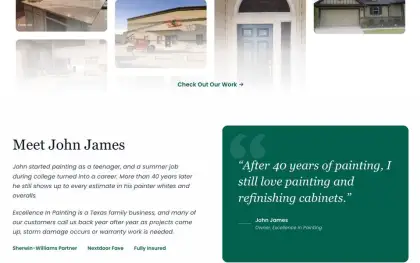
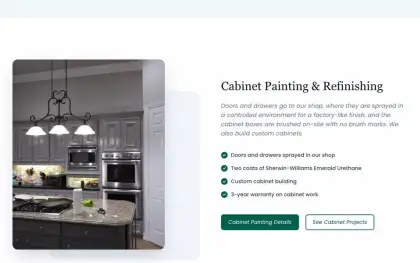
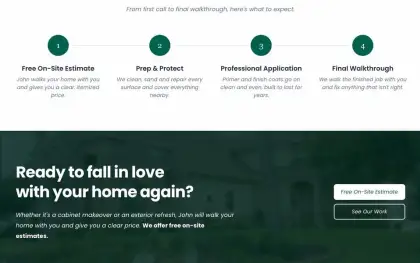
The easiest setup is the one you already use every day. Our clients send changes by email, text or WhatsApp, whatever is closest at hand. When John James, who runs a family painting company in Cypress, needs something changed, he sends us a message and we take care of it.
You do not need to write the new text perfectly either. A rough note like "we stopped doing wallpaper, add pressure washing" is enough to get started.
Updates worth making through the year
Once updates are easy, the website can follow the rhythm of the business. Busy-season offers, holiday hours and new photos from recent jobs all help visitors see that you are active and paying attention.
Recognition belongs there too. Lemus Insurance was named the Best Health Insurance Agency in Salinas by BusinessRate, and that recognition sits on the website where visitors can see it. Good news like that is easy to forget to share.
- 1Open your website on your phone and read the homepage as a customer would.
- 2Write down anything that is out of date, missing or no longer true.
- 3Add one or two seasonal changes you know are coming.
- 4Send the list to whoever looks after your website.
Questions to ask about "unlimited"
Before you sign up for a plan, ask for a few real examples of what is included and what is not. The answers should be specific, and they should match what you expect to change during the year.
It is also worth asking how changes are sent and how long they usually take. A plan that includes unlimited updates but makes them hard to request will not keep your website current.
- Clear examples of what counts as an update
- Bigger work quoted before it starts
- Changes sent by email, text or message
- A monthly cap hidden in the small print
- Every request treated as a new project
- No clear idea of how long changes take
Every plan includes unlimited content updates, usually live the same day.